
Public Gallery
What other people have built.
This site started as my own catalog. If you have built something with AI-assisted development and want it shown here, I would like to see it.
This is not a submission form. It is an email, and a short list of what I need before I can publish anything here.
What to send
- Your name, and how you would like to be credited.
- What you built, in a few sentences: what it does, and what it replaced.
- A link, if there is one to share: a repo, a write-up, a video, whatever fits.
- A line saying I have your permission to display this here. Without that line, I will not publish it.
Be Better! ...tell me what you built.
What's been shared
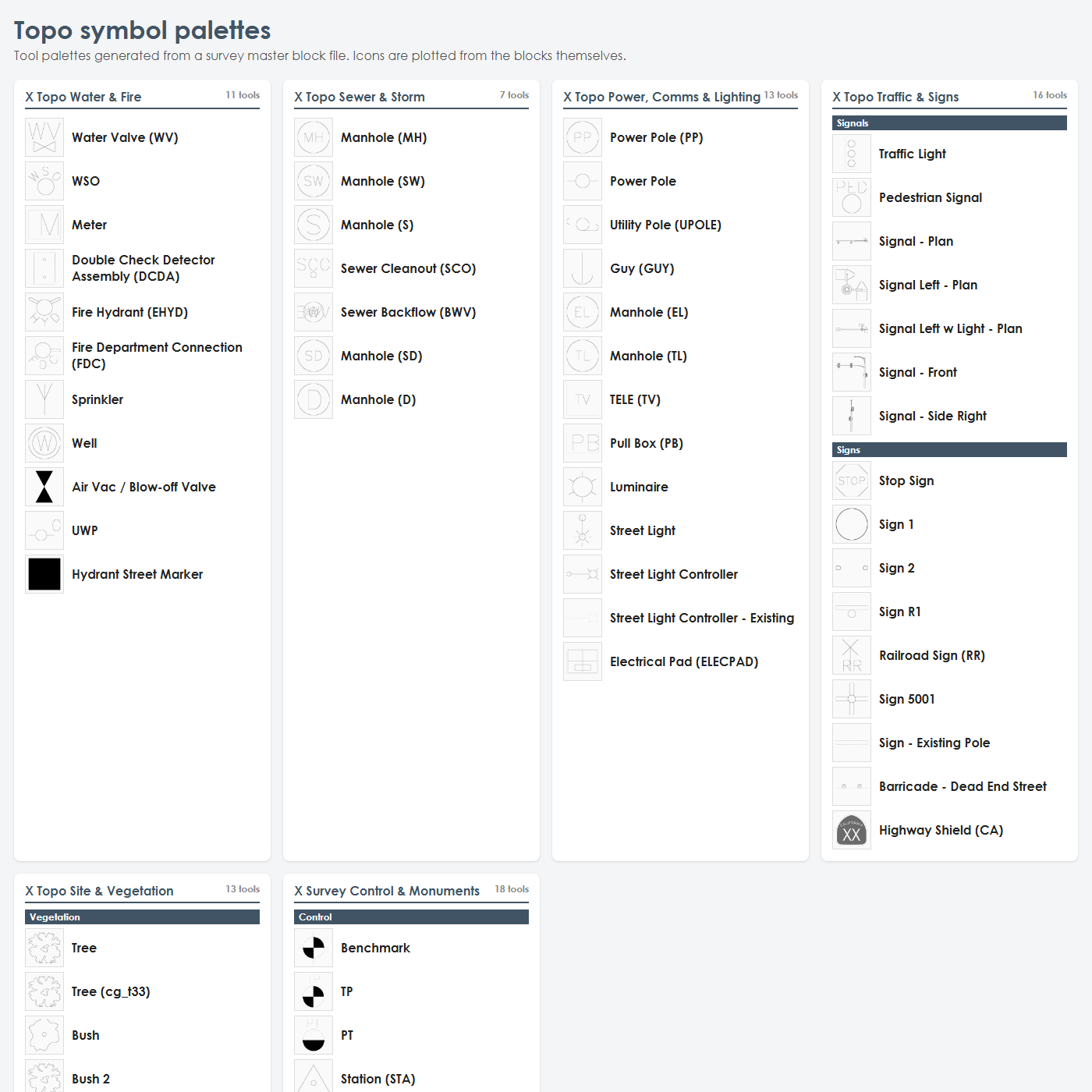
Topo Symbol Palettes
Reads a survey team's master block file and generates six Civil 3D tool palettes of topo symbols, grouped by what a surveyor actually picks up in the field, with each icon redrawn at its plotted size and made annotative, instead of typing INSERT, browsing to a master drawing, and guessing the scale factor for every valve and hydrant.
James Lord, Technology Manager – X Engineering and Consulting
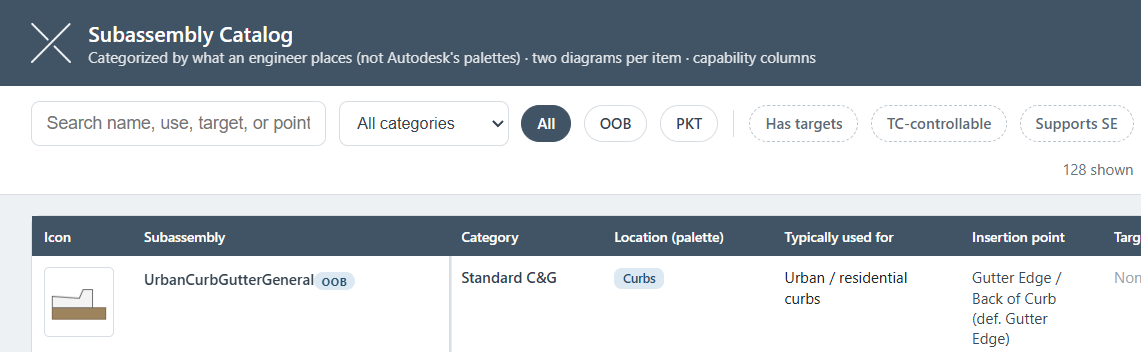
C3D Subassembly Catalog
A searchable, filterable catalog of Civil 3D corridor subassemblies, organized by what an engineer actually places rather than Autodesk's palette structure, with diagrams and capability columns per item.
James Lord, Technology Manager – X Engineering and Consulting
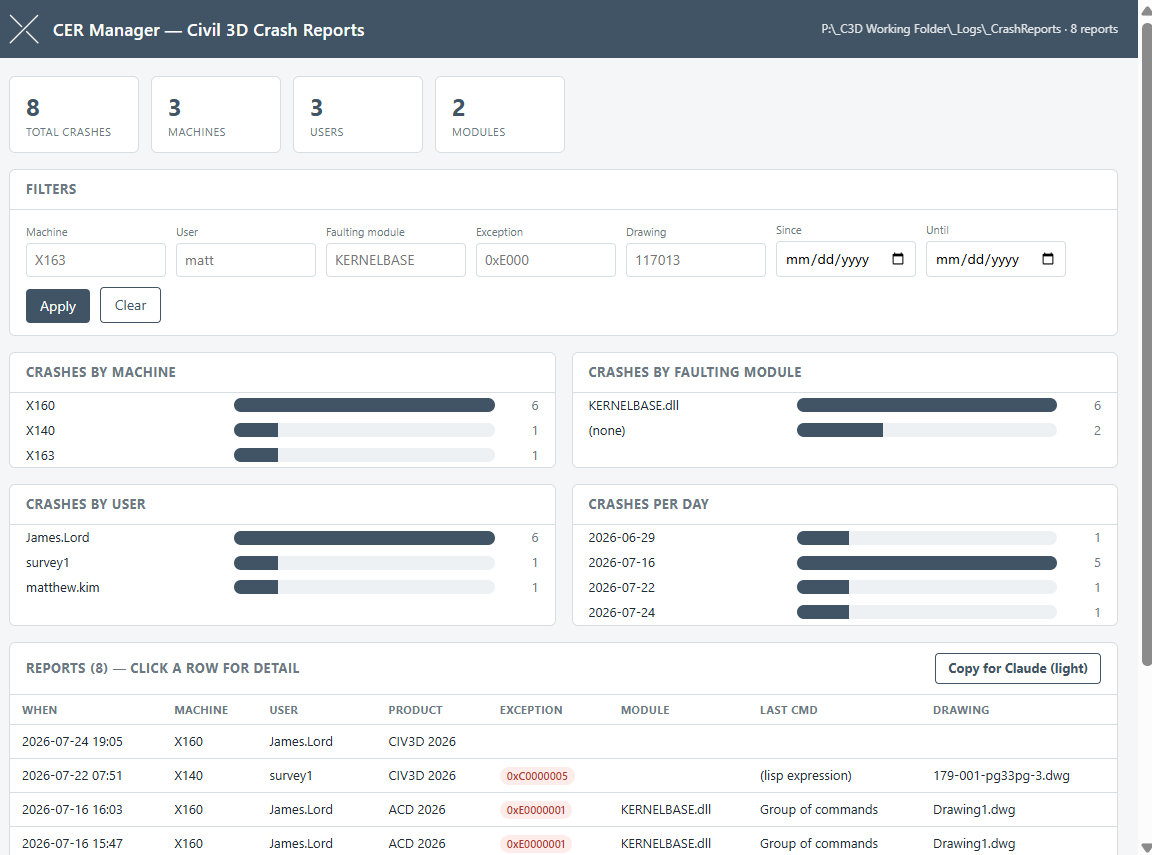
Crash Error Report Monitoring and Dashboard
A background app that catches Civil 3D crashes on every machine, pulls the relevant Windows Event Log data, and pushes it to a shared folder, paired with a dashboard that shows every crash report and a one-click button to hand the data to Claude for analysis.
James Lord, Technology Manager – X Engineering and Consulting
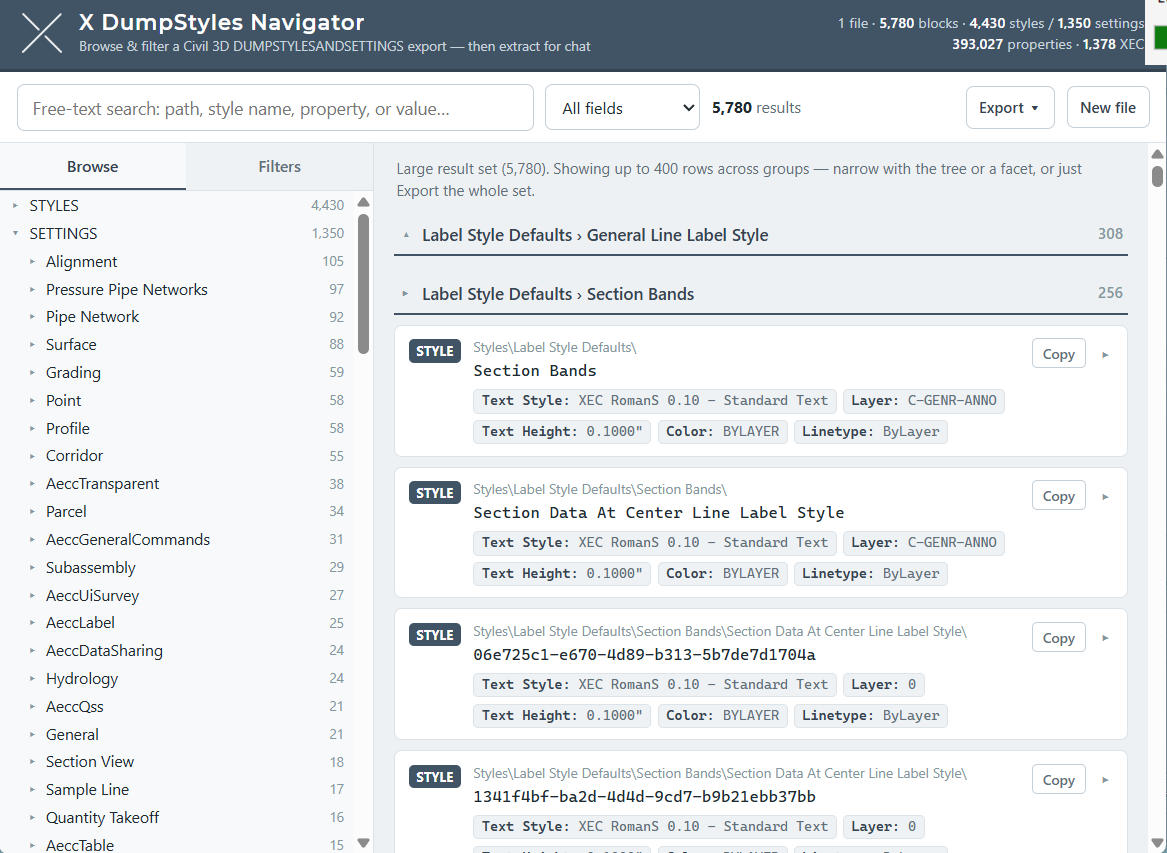
DUMPSTYLES Navigator
Loads a Civil 3D DUMPSTYLESANDSETTINGS export and makes it actually searchable, browsing and filtering thousands of styles and settings instead of scrolling a raw text dump.
James Lord, Technology Manager – X Engineering and Consulting
C3D ARG Migration Skill
A Claude skill that takes a company's current .arg file plus a new Civil 3D release, and produces an updated .arg carrying the old customizations forward onto that release's paths.
James Lord, Technology Manager – X Engineering and Consulting
Batch Alignments from Polylines
Select multiple polylines and create all of their Civil 3D alignments in a single command, instead of running Create Alignment from Objects one at a time.
James Lord, Technology Manager – X Engineering and Consulting