
The library I couldn't model myself
I never learned Blender, and every attempt at hand modeling taught me the same lesson twice: MUTCD dimensions and colors are not something you get right by eye, and a scene full of close-enough signs does not read as a real intersection.
Everything downloadable online was close. Close was the wrong standard. What I actually wanted was a library, dozens of correct signs, poles, cabinets, and signal heads, and I could not build it myself.
What it actually does
I describe an asset in a spec file: type, dimensions, MUTCD code, mounting. Blender runs headless, no window, nobody watching, and builds the geometry from that spec. A stop sign comes out an octagon at the real 30 inch size, the right red, the right post.
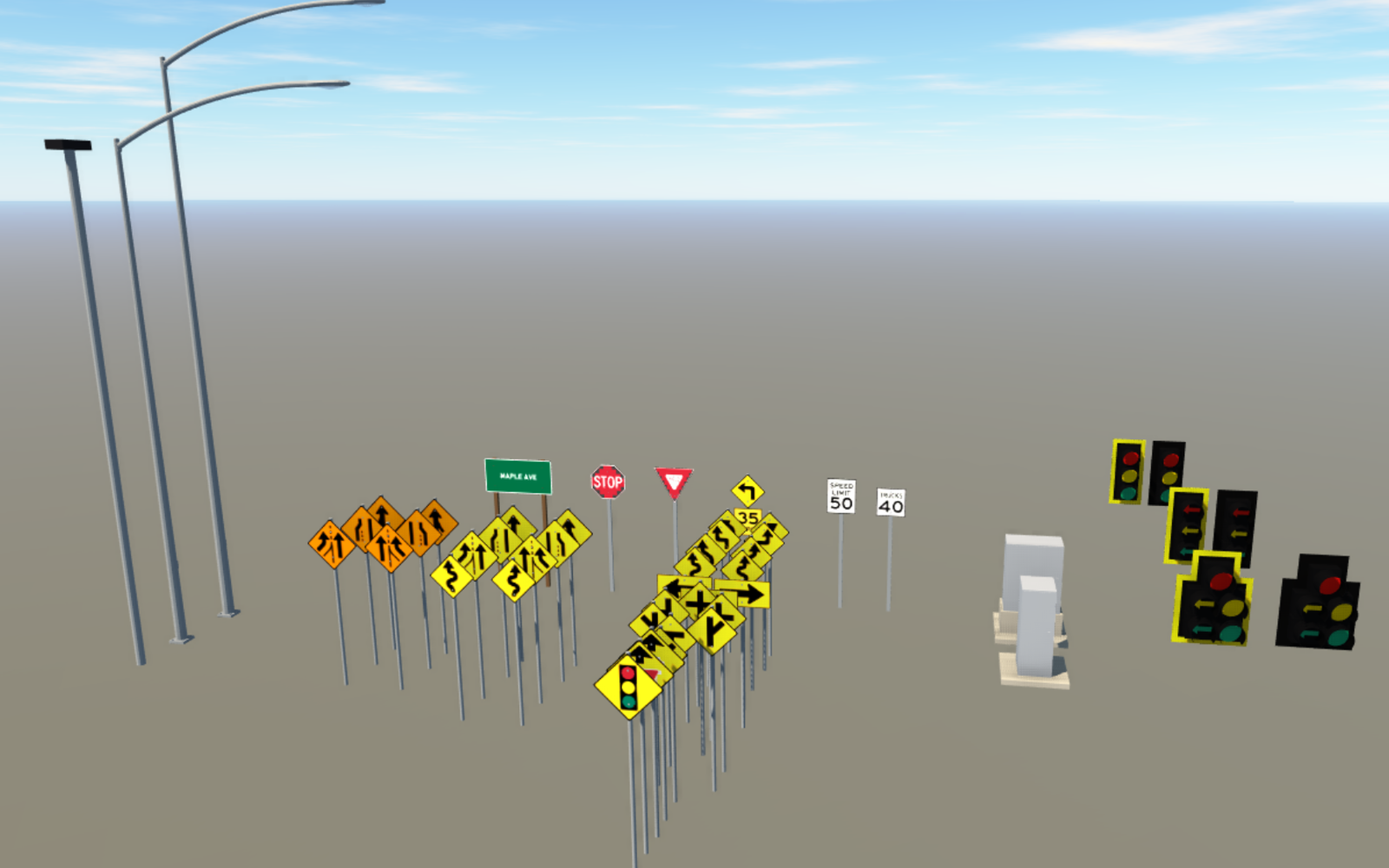
Every asset gets checked before I ever see it. Polygon count against a budget. Missing textures. Bad normals. The Stop Sign spec builds at 184 polygons against a 2,500 polygon budget, passes, and exports to FBX, OBJ, and DAE at once.
What AI actually did here
I did not have something generate a new sign every time I asked for one. What I had it do was build the generator once, and build it right: a plain-Python layer that checks a spec before Blender ever opens, and a Blender layer that turns a valid spec into geometry the same way every time.
The library grew because the generator is reliable, not because something was improvising per asset. A tool that hands a client's InfraWorks scene whatever it feels like on a given run is not something I would ship. A tool that reads the same spec and builds the same correct sign every time is.
Forty, and counting
Forty MUTCD signs exist in the library today, plus the poles, cabinets, and signal heads I still could not have modeled by hand. Take a look at Transportation Asset Generator if InfraWorks scenes are where you have hit the same wall.
Be Better - Describe it, don't model it.